Quickstart
The fastest path from git clone to a workspace you can actually click around. Two routes: the demo seed — a ready-made sample program you load with one command, so you have realistic data to explore instead of an empty install — (recommended for evaluation), and the API tutorial (recommended for learning the data model).
You should already have completed Installation — the stack is up via docker compose up -d. If that command is new to you, Set up a container host explains what it does and gets Docker running first.
Already have a real plan you’d rather work with — an MPP file, a spreadsheet, or a Jira export? Neither route below is it; see Bring your existing plan in instead.
Route A — seed the demo project (recommended)
Section titled “Route A — seed the demo project (recommended)”The load_sample_project management command loads a bundled sample program. The default — Atlas Platform Launch — is a three-project hybrid program with a WBS (work breakdown structure), a CPM (Critical Path Method) schedule with cross-project dependencies, baselines, resources, closed sprints with velocity history, an active sprint mid-window, a retro with a promoted action item, and a populated risk register. With --with-personas it also gives the sample’s persona accounts a usable password and prints their usernames.
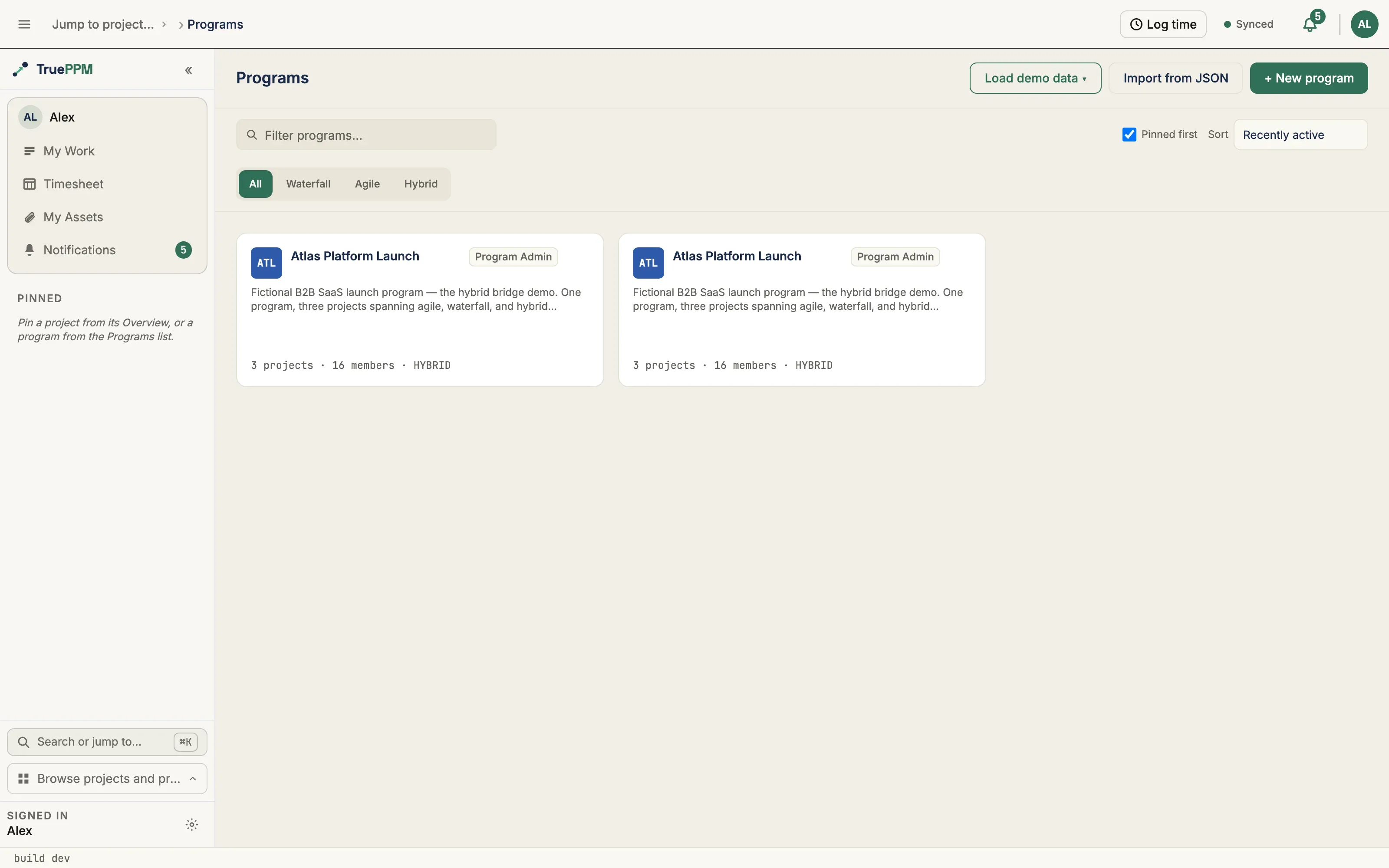
docker compose exec api python manage.py load_sample_project --with-personasThat’s it. Sign in at http://localhost:5173 as any of the personas (password: demo):
| Username | Persona | What to look at first |
|---|---|---|
atlas-alex | Program Manager (Project Admin) | The program Schedule — the critical path running across all three projects |
atlas-priya | Engineering Lead (Project Manager on Platform Core) | The Sprints workspace — burndown, capacity, backlog, and a retro with a promoted action |
atlas-sam | Project Scheduler (Resource Manager) | The Schedule view — milestones, the actual-date overlay on in-flight tasks, and the calendar exception that moves the finish |
atlas-jordan | Product Owner (Project Admin on GTM Readiness) | The Board for the GTM Readiness project, and its sprint-to-milestone bridge |
atlas-mei | Senior Engineer (Team Member) | The Board with their assigned cards and the tasks they are blocked on |
atlas-ada | Executive Sponsor (Viewer) | The Overview page with forecast confidence intervals — and everything read-only |
Re-running the command replaces the prior copy of the sample and re-seeds, so you can refresh after pulling new features.
Route B — build a project via the API
Section titled “Route B — build a project via the API”If you want to learn the data model rather than evaluate the UI, build a project with two tasks and a dependency, trigger CPM, and read the result back. The examples below use curl and jq.
1. Set up admin credentials
Section titled “1. Set up admin credentials”If you haven’t already, see Admin password setup. The default is to run python manage.py create_admin which generates a secure random password and writes it to /tmp/trueppm_admin_password.
2. Authenticate
Section titled “2. Authenticate”Exchange your admin password for an API token — a temporary credential the API accepts in place of your password on every request below, so you are not sending your real password over and over.
curl -s -X POST http://localhost:8000/api/v1/auth/token/ \ -H "Content-Type: application/json" \ -d '{"username": "admin", "password": "<your password>"}' \ | jq -r .accessThis prints your access token. Copy it, then set it as an environment variable so the rest of this page’s commands can use it:
export TOKEN="<paste access token here>"3. Create a calendar
Section titled “3. Create a calendar”CALENDAR=$(curl -s -X POST http://localhost:8000/api/v1/calendars/ \ -H "Authorization: Bearer $TOKEN" \ -H "Content-Type: application/json" \ -d '{"name": "Standard 5-day week"}')
CALENDAR_ID=$(echo $CALENDAR | jq -r .id)CALENDAR_ID now holds the new calendar’s ID, ready to attach to a project.
4. Create a project
Section titled “4. Create a project”PROJECT=$(curl -s -X POST http://localhost:8000/api/v1/projects/ \ -H "Authorization: Bearer $TOKEN" \ -H "Content-Type: application/json" \ -d "{\"name\": \"My First Project\", \"start_date\": \"2026-04-01\", \"calendar\": \"$CALENDAR_ID\", \"methodology\": \"HYBRID\"}")
PROJECT_ID=$(echo $PROJECT | jq -r .id)PROJECT_ID now holds the new project’s ID. The methodology field controls default tab visibility — see Project methodology preset.
5. Add tasks
Section titled “5. Add tasks”TASK_A=$(curl -s -X POST http://localhost:8000/api/v1/tasks/ \ -H "Authorization: Bearer $TOKEN" \ -H "Content-Type: application/json" \ -d "{\"project\": \"$PROJECT_ID\", \"name\": \"Design\", \"duration\": 5}")
TASK_B=$(curl -s -X POST http://localhost:8000/api/v1/tasks/ \ -H "Authorization: Bearer $TOKEN" \ -H "Content-Type: application/json" \ -d "{\"project\": \"$PROJECT_ID\", \"name\": \"Build\", \"duration\": 10}")
TASK_A_ID=$(echo $TASK_A | jq -r .id)TASK_B_ID=$(echo $TASK_B | jq -r .id)Two tasks now exist, each with its own ID, but nothing links them yet — the schedule does not know “Build” has to wait for “Design” until you add a dependency in the next step.
6. Add a dependency
Section titled “6. Add a dependency”Link the two tasks Finish-to-Start (FS): “Build” cannot start until “Design” finishes.
curl -s -X POST http://localhost:8000/api/v1/dependencies/ \ -H "Authorization: Bearer $TOKEN" \ -H "Content-Type: application/json" \ -d "{\"predecessor\": \"$TASK_A_ID\", \"successor\": \"$TASK_B_ID\", \"dep_type\": \"FS\", \"lag\": 0}"7. Read the schedule
Section titled “7. Read the schedule”Adding the dependency triggers a recalculation: Celery (the background worker) re-runs CPM (Critical Path Method — the algorithm that computes task dates and the critical path) automatically after each write. Wait a moment, then read the result back:
curl -s "http://localhost:8000/api/v1/tasks/?project=$PROJECT_ID" \ -H "Authorization: Bearer $TOKEN" \ | jq '.results[] | {name, early_start, early_finish, total_float, is_critical}'Expected output:
{"name": "Design", "early_start": "2026-04-01", "early_finish": "2026-04-07", "total_float": 0, "is_critical": true}{"name": "Build", "early_start": "2026-04-08", "early_finish": "2026-04-21", "total_float": 0, "is_critical": true}Both tasks are critical because there is only one path through the network.
8. Add a project member
Section titled “8. Add a project member”Grant another user access to this project by adding them with a role (replace <user-id> with their actual user ID):
curl -s -X POST "http://localhost:8000/api/v1/projects/$PROJECT_ID/members/" \ -H "Authorization: Bearer $TOKEN" \ -H "Content-Type: application/json" \ -d '{"user": "<user-id>", "role": 100}'Role values: Owner=400, Admin=300, Scheduler=200, Member=100, Viewer=1. The gaps between them are reserved slots — see Roles and Permissions.
9. Open the web UI
Section titled “9. Open the web UI”Navigate to http://localhost:5173. The Schedule view (Gantt-style) renders the timeline with critical path lit up; the Board, Sprints, and supporting views are all wired against the live API.
Next steps
Section titled “Next steps”- The Story — the eight-step hybrid PM flow narrative
- Admin password setup — production password rotation
- CPM scheduler — deep dive into the scheduling engine and Monte Carlo
- Schedule view — the project timeline (Gantt-style)
- Sprints workspace — burndown, capacity, velocity, backlog, retro
- RBAC — role and permission details
- API reference — full endpoint listing